This is part of our Essential Guide to Coding Qualitative Data | Start a Free Trial of Delve | Take Our Free Online Qualitative Data Analysis Course
After conducting qualitative interviews, you need to convert your audio to text that you can code and analyze. You’re not alone if you’re stuck trying to figure out how to get solid transcriptions.
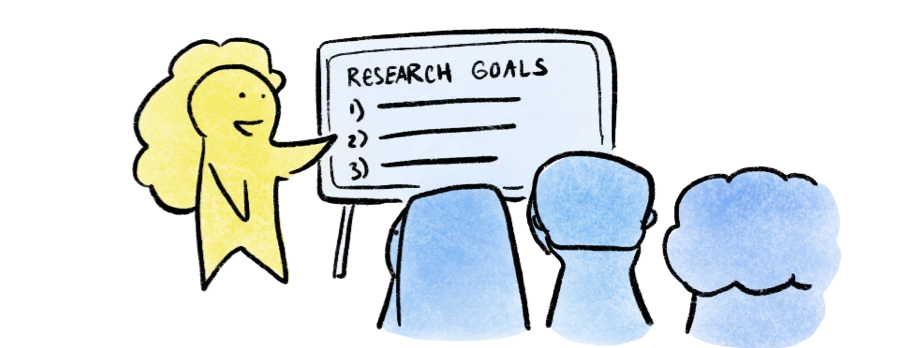
If you’re doing thematic analysis, grounded theory, or most other qualitative coding, you need accurate enough text with the ability to go back to audio when nuances matter.
Here’s some common ways to transcribe qualitative interviews.
Quick comparison: Transcribing qualitative interviews
| Method | How fast | Cost | Type of transcript |
|---|---|---|---|
| Descript, Otter, Trint | Minutes | ~$20–40/month | AI transcription |
| Rev AI transcription | Minutes | $0.25 / minute | AI transcription |
| Zoom, Google Meet (built-in captions) | At session end | Free with subscription | AI transcription |
| AI chatbots (ChatGPT, Gemini, Claude) | Minutes | Limited free usage. Paid plans still limited. | AI transcription |
| YouTube captions | Minutes | Free | AI transcription |
| oTranscribe | 4–6 hrs per interview* | Free | Tool for manual transcription |
| Rev human transcription | Within 12 hours | $1.50–2.50 / minute | Human transcription |
Note that these times don’t include cleaning up automated transcripts
Automatic transcription service
Tools like Descript, Rev, Otter, or Trint generate transcripts in minutes by using AI to convert speech to text. They might miss some words and struggle with speaker changes, but they let you edit in an easy to use interface while listening. Plan on 10-15 minutes cleaning up a one-hour interview.
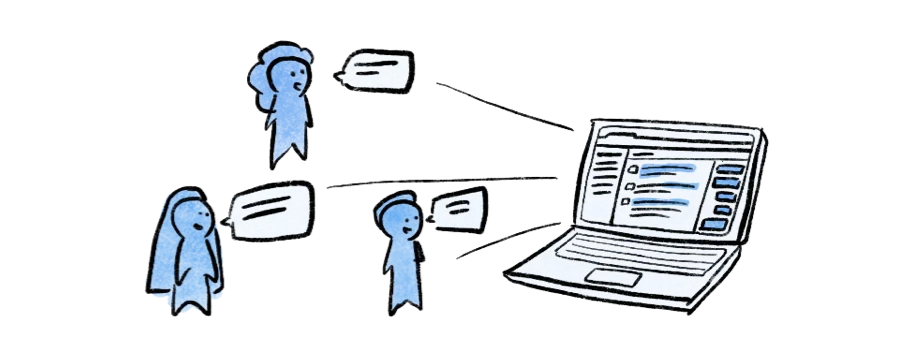
This approach works well for early rounds of qualitative analysis, especially when you’re reviewing multiple interviews to identify patterns. Many researchers use automatic transcripts for first-pass coding, then return to the audio to refine specific quotes later when writing up findings. You’ll likely revisit the audio during analysis regardless of which method you choose.
Built-in transcription with Zoom and Google Meet
If you’re recording interviews over Zoom or Google Meet, both platforms generate automatic captions and transcripts without any additional tools. Quality is similar to standalone automatic transcription – usable but imperfect, particularly with accents or cross-talk.
These work well when you’re already recording on one of these platforms and want a quick first-pass transcript without adding another tool to your workflow. Clean-up time slightly longer than other automatic options because they do not have built-in transcription editing tools. Expect roughly 20–30 minutes per hour of audio.
Free YouTube transcription
YouTube transcripts are free. Upload your interview audio privately, let YouTube auto-generate captions, then copy the text. The quality is rough and editing is clumsy so expect more clean up time.
This can work for exploratory interviews or pilot studies when you’re still testing your interview questions and don’t need precise transcripts yet. Some dissertation researchers use this early on and regret the time spent wrestling with the workflow.
Manual transcription
oTranscribe is different from other tools on this list. There’s no speech-to-text. You type every word yourself while listening, using keyboard shortcuts to pause, rewind, and control playback speed. *Every hour of audio takes roughly four to six hours to transcribe, though that shifts depending on audio quality, accents, and how much detail you need to capture.
This option is best when researching sensitive topics that require careful attention to tone and pauses, when you’re working with vulnerable populations, or when your IRB requires transcription to stay in-house.
Human transcription
Rev charges $1.50-$2.50 per audio minute for human transcriptions and returns transcripts the same day or next. Speaker-labeled, high-quality transcripts with minimal cleanup.
This makes sense for dissertation interviews you’ll defend in front of your committee, published research where reviewers expect precise quotes, or team projects where multiple researchers need to code independently from reliable text.
For non-English interviews or multilingual focus groups, Multilingual Connections handles transcription and translation together.
AI chatbots for transcription
Can you create transcripts with chatbots like ChatGPT, Gemini, or Claude? If you have a paid subscription, you can upload short audio recordings directly and ask for a transcript. This is a fast option for shorter interviews or individual clips where you need a quick turnaround.
The quality depends on audio clarity and the length of the recording. These tools aren’t purpose-built for transcription the way Descript or Otter are, so results can be inconsistent with longer files. But for a 10–15 minute clip with clear audio, it can save you a lot of time.
Once you have a transcript, chatbots like ChatGPT let you ask about key topics or patterns in the same chat, which can help with early familiarization. The limitation is context. Chatbots don’t carry context across sessions. If you are looking to find key topics and patterns in your transcript, you can use a qualitative tool like Delve, which keeps your transcripts, codes, and analysis in place throughout your whole project.
What happens after transcription: Coding your data
The real qualitative analysis starts with your transcripts in hand. You now start reading transcripts, identifying passages, applying codes, comparing across interviews, and refining code as you learn more about your data. These steps are not linear and you’ll end up going through them several times.
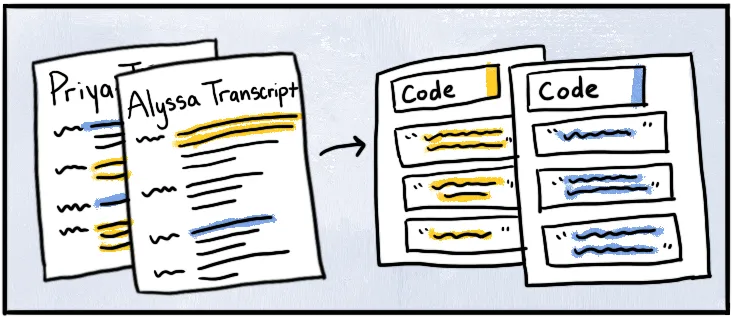
If you only have one or two interviews, Word or a spreadsheet can hold the workflow together. But with five or more, using Word breaks down and you’re hunting through files, losing track of codes, and spending more time organizing than analyzing. That’s the point where most researchers start looking for a better system.
The benefit of a dedicated qualitative coding tool
Using a dedicated qualitative analysis tool like Delve is ideal for larger data sets as it is built to handle that coordination overhead. You focus on thinking. The software handles organizing your codebook and other process-oriented grunt work. Just click, type, and go.
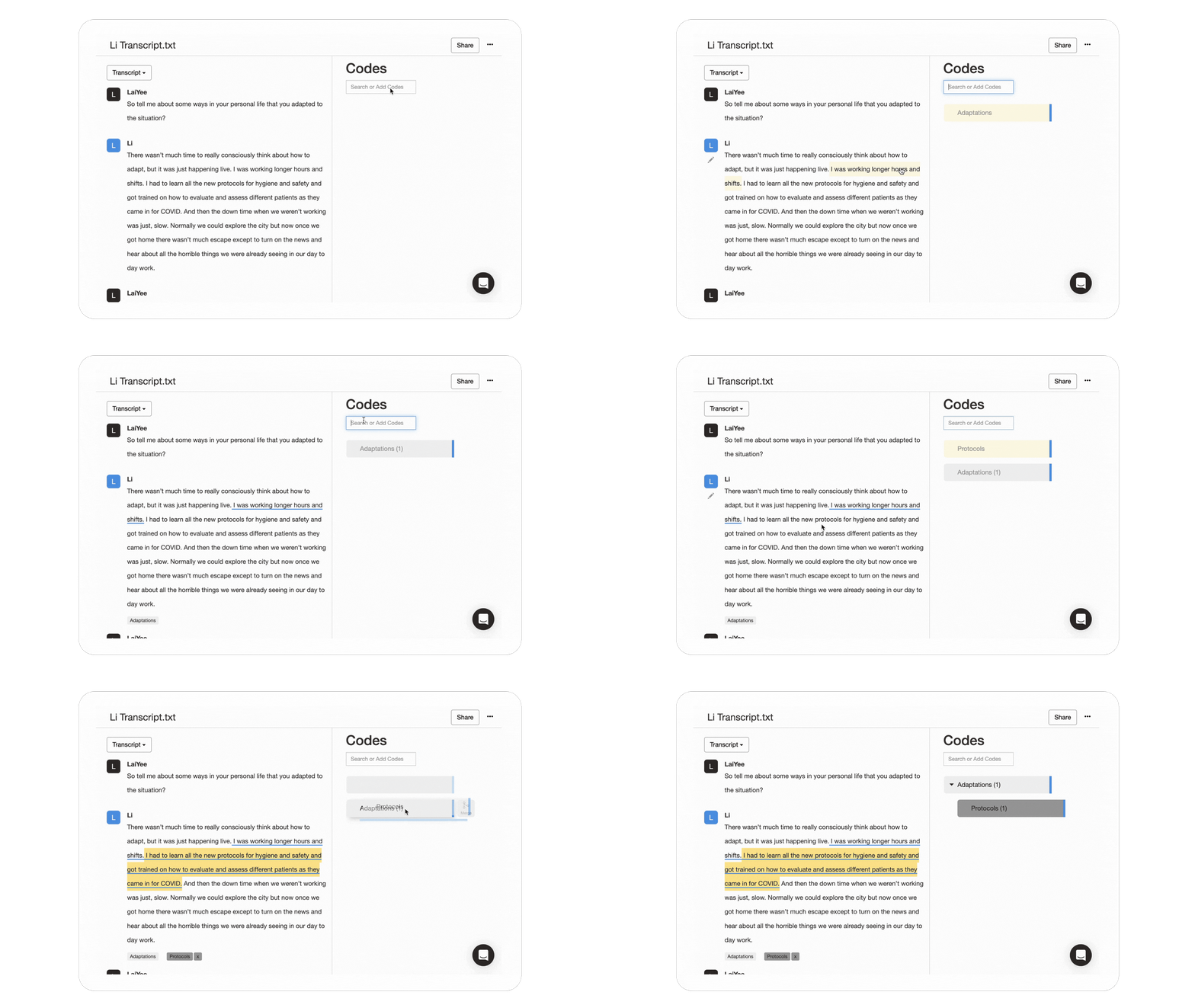
For new researchers, Delve’s web-based setup means there’s no complex setup or rigid requirements about when or how to code. You can login on any computer, and the AI-assisted tools can help with initial coding, peer debriefing, and summaries. But you always stay in control of the analysis.
For teams, collaborative features let everyone see the same project in real time. There’s no emailing files back and forth, or mislabeled file versions. It’s easy to split coding work, compare interpretations, or give advisors view-only access. You also get automated intercoder reliability to track team consistency.
Get started with a free trial
Your codes change. Your thinking evolves. Your transcripts get cleaner. Delve accommodates all of that.
It’s one of the easiest qualitative analysis tools to learn because it works like your brain. You can stay organized, double-check findings with AI, find insights fast, and meet your deadlines.
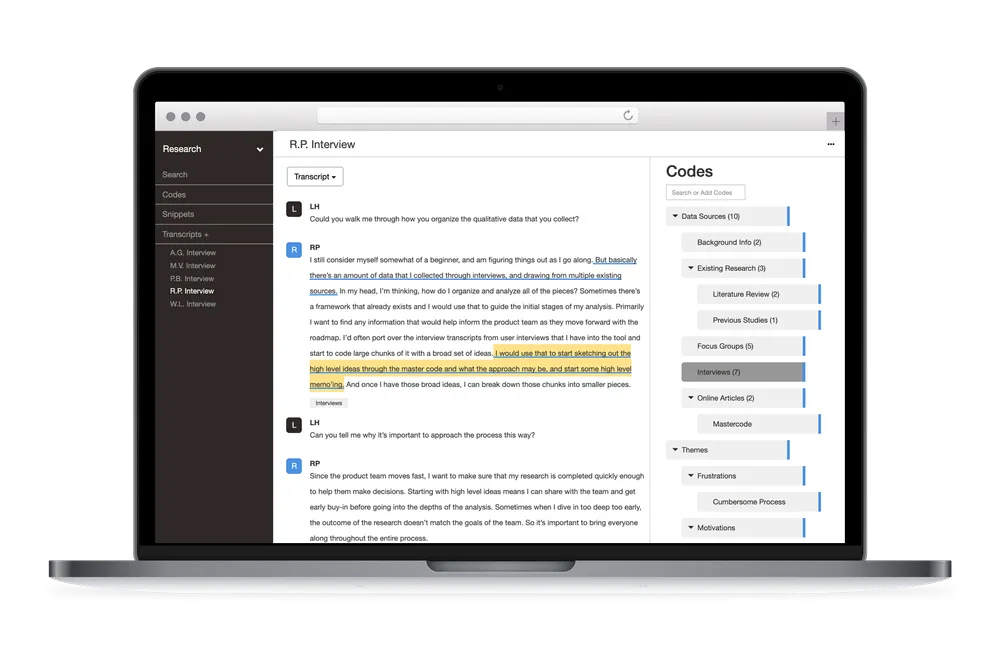
Try Delve free for 14 days. Upload a transcript and code a few interviews to see if it fits how you work.
No commitment. Cancel anytime.
Related guides:
Cite This Article
- Delve, Ho, L., & Limpaecher, A. (2019a, June 07). How to get research interviews transcribed https://delvetool.com/blog/2019/6/7/transcripts
Try Delve, Transcript Analysis Software
Online software such as Delve can help streamline how you’re coding your qualitative coding. Try a free trial or watch a demo of the Delve.