This is part of our Essential Guide to Coding Qualitative Data | Take Our Free Online Qualitative Data Analysis Course | Start a Free Trial of Delve
At some point in most qualitative research projects, the data starts to feel like a lot. You have transcripts to work through, codes to track, and just staying organized turns into a job in itself.
This article walks through the main options, from manual methods to qualitative coding software like Delve, drawing on Johnny Saldaña’s Coding Manual for Qualitative Researchers.
Pen and paper: Strong start with a hard ceiling
Highlighting transcripts and writing codes in the margins is a legitimate way to code. Many researchers still do it in the initial stages. You read slowly, you stay close to the language, and you develop a feel for the data that is hard to replicate any other way.
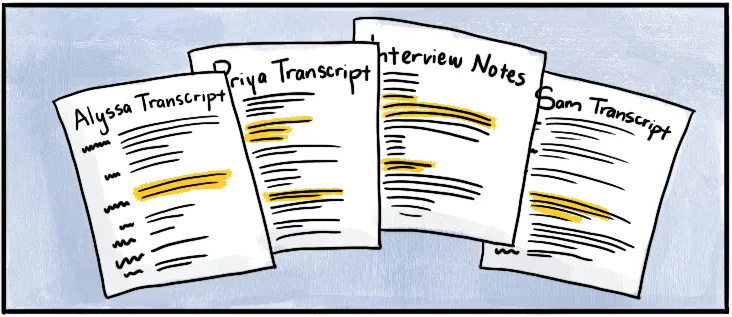
But qualitative analysis requires reading, coding, revisiting earlier transcripts with fresh eyes, and revising codes across multiple rounds. That back-and-forth works fine with two or three transcripts. With seven or eight, you are flipping through dozens or hundreds of pages, scanning memos, and hoping you marked things consistently enough to find them later.
Grouping codes into themes means cutting and rearranging paper cut-outs or notecards. Working with others means being in the same room or handing documents back and forth.
Works well for:
- One or two transcripts in early exploratory reading
- A slow, deliberate first pass before moving into software
Doesn’t work well when:
- You need to revise and reorganize codes across multiple transcripts
- You want to track how a theme has evolved from your first read to your fifth
- You are working with anyone who is not in the same room
Word and Google Docs: Familiar but not built for the job
Going from paper to a word processor can feel like an upgrade. Documents are searchable, easy to share, and simple to mark up with comments or color-coded text.
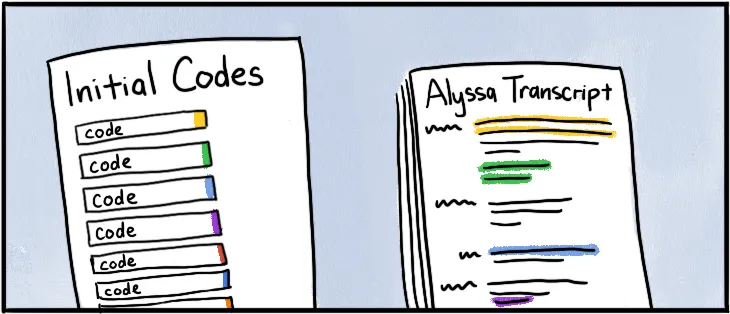
The problem is that Word and Google Docs were designed for writing, not for coding. When you want to see all the quotes tagged to a specific code, you have to Ctrl + F each one. Then copy excerpts into separate documents, one per theme, and manage a folder that keeps growing.
Updating a code name across thirty excerpts spread across five documents is exactly as tedious and frustrating as it sounds. And because you keep going back to your transcripts, every revision creates more room for things to fall through the cracks.
Works well for:
- Simple projects with a small number of codes and a tight timeline
- Coding a single transcript when you need to get started quickly
Doesn’t work well when:
- Your code list balloons and themes start to overlap
- You need to see all instances of a code without searching manually
- You return to earlier transcripts and want to apply revised codes consistently
Excel and spreadsheets: More structure but clunky coding
Spreadsheets feel like a natural next step when a word processor gets too messy. You get columns, sorting, and basic frequency counts if you set things up right. It’s easy enough to add comments and memos directly to transcripts.
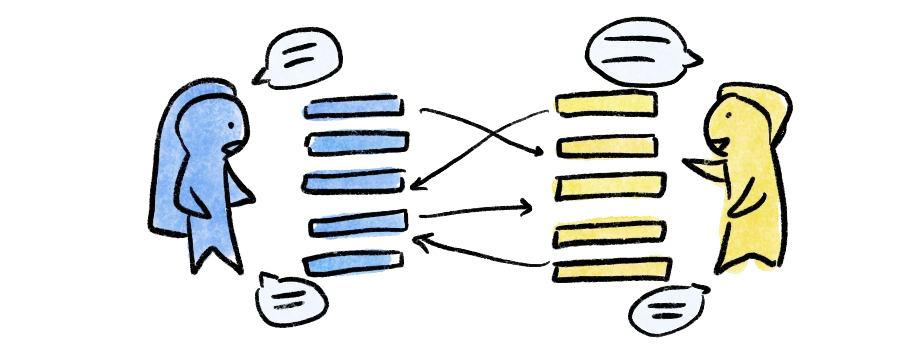
But qualitative analysis is a fluid process. Codes merge, split, get renamed, and shift as your understanding develops. Excel’s rigid format does not bend easily. Coding a single excerpt with multiple overlapping codes gets messy fast. Tracking the way a code’s meaning changed between your second and fourth round of analysis is nearly impossible.
Works well for:
- Simple frequency counts or tracking patterns in a codebook
- Projects with a predefined deductive codebook that won’t change much where the analysis is more about sorting and frequency than exploring new ideas
Doesn’t work well when:
- Codes need to evolve and reorganize mid-analysis
- You want to attach a memo or note to a specific excerpt to capture your thinking
- Your project involves more than one researcher coding
What happens when you switch to qualitative coding software
Researchers like Saldaña suggest qualitative coding software because it handles the organizing and leaves you free to focus on the analysis. You still do the coding and interpreting, but the underlying organization process isn’t pulling you away from the interpretive work.
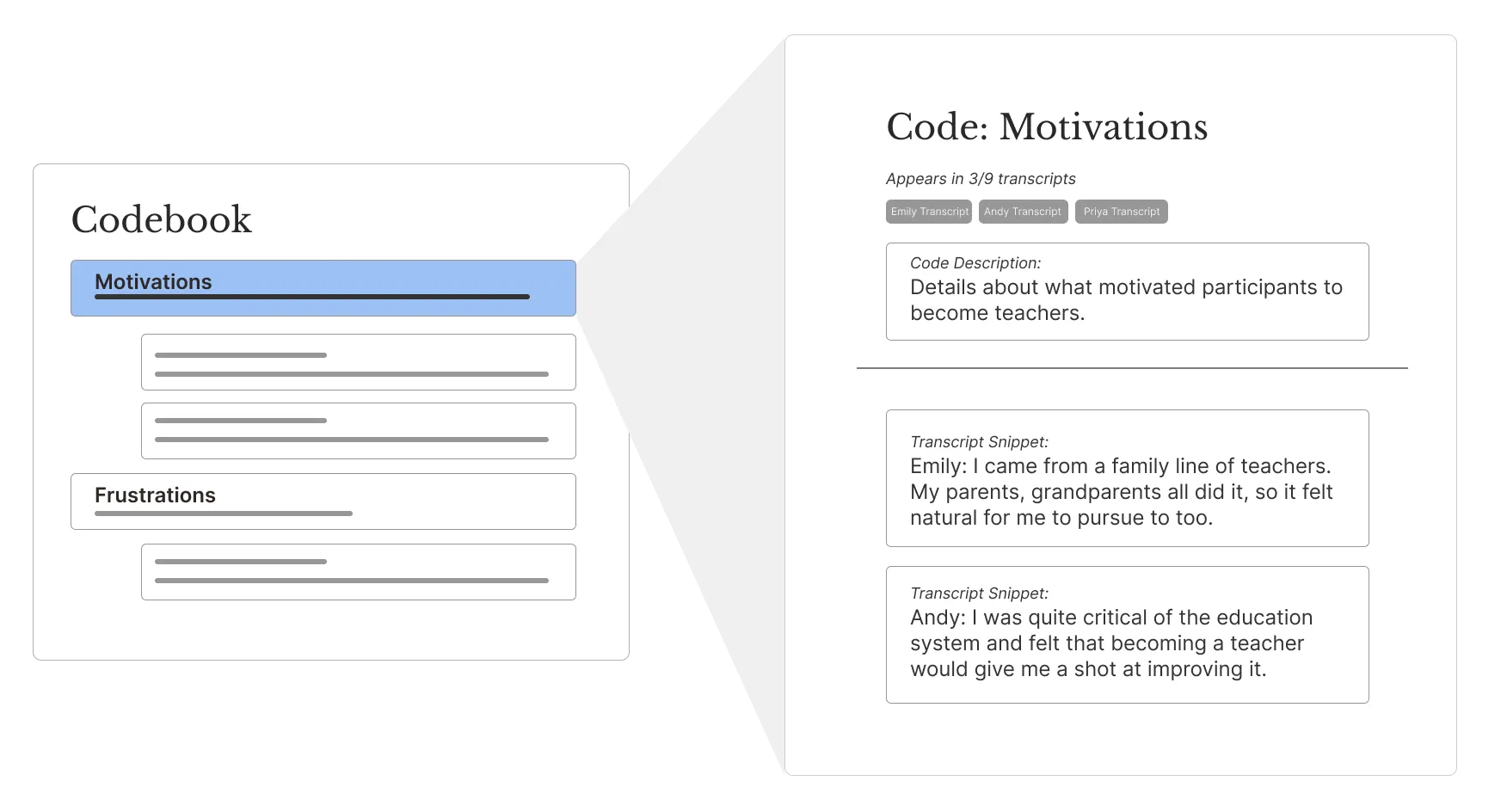
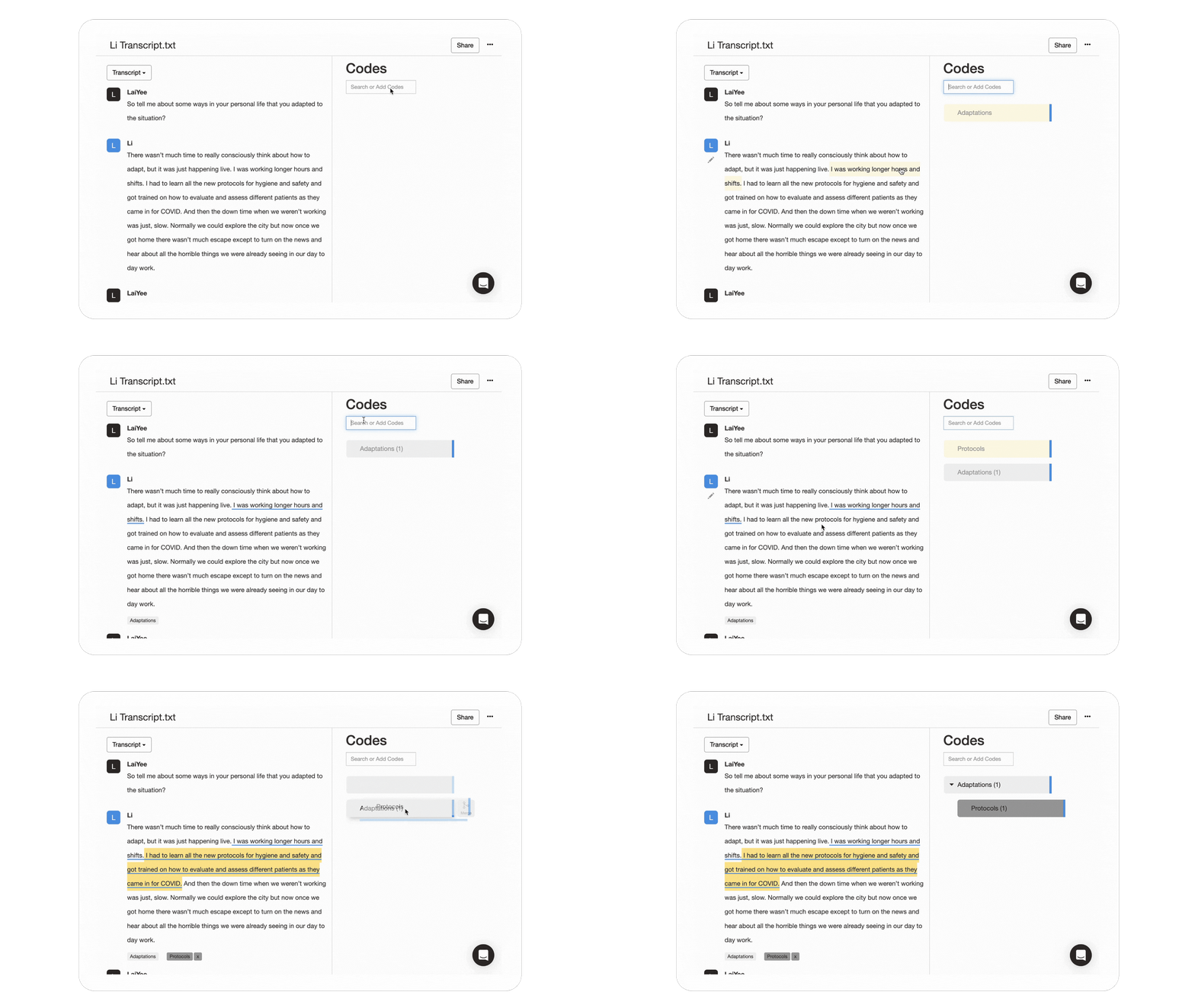
When you rename a code with most qualitative tools, it updates across every transcript in your project. When you want to see every quote tagged to a theme, they are already collected in one place. When you go back to an earlier transcript with a clearer sense of what you are looking for, nothing has slipped through the cracks.
Collaboration is another factor. With manual methods, working as a team means separate notes, emails back and forth, and the risk of everyone working from a different version of the data. With web-based qualitative coding software, you can review each other’s work, compare coding decisions, or keep your analyses separate if need be.
Table: Comparing research methods and approaches
Based on Saldaña’s framework, here is how the two methods typically compare:
| Feature | Qualitative software like Delve ✓ | Manual Methods |
|---|---|---|
| Best For | Projects of any size — especially when manual options are impractical | Small datasets, early exploration, or methods that demand close reading |
| Primary Benefit | Everything manual gives you, plus organizing automatically so your focus stays on interpreting | Deep, intimate familiarity with every line of data |
| Data Interaction | Digital (highlight, assign, filter, drag-and-drop across your data, AI-assisted in some cases) | Physical (highlighters, sticky notes, manual sorting) |
| Collaboration | Everyone works in the same live project (web-based software) | Difficult without being in the same room |
How to choose qualitative coding software
Making the switch to qualitative coding software is one decision. Choosing which tool is another, and it comes down to more than just features. How easy is it to learn? Does it run in any browser or require a desktop install? What does it actually cost for a research team?
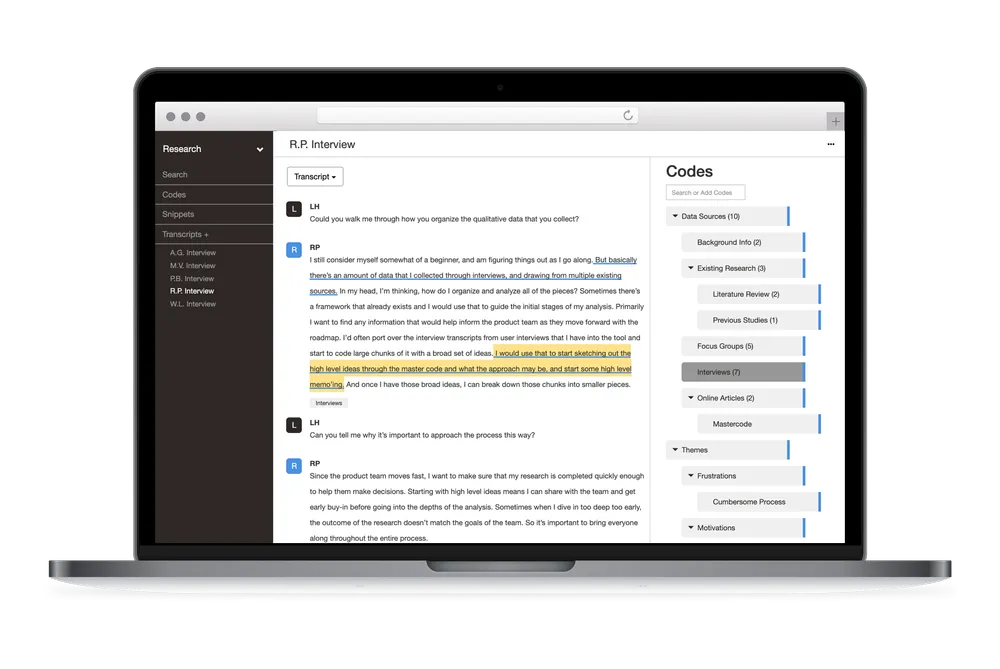
Some tools have heavy learning curves with days of training before you can code with any confidence. Others are simpler but more limited. Delve’s web based tools keeps things simple by design, turning transcripts into insights with AI-assisted software that works like your brain.
If you are still weighing your options, this comparison of the easiest QDA software to learn is a good place to start. For a fuller look at how the major platforms stack up, the ultimate CAQDAS guide covers NVivo, ATLAS.ti, MAXQDA, Dedoose, Quirkos, Taguette, and Delve side by side.
Forget old-school pen and paper or clunky software
If you are still working in Word, Excel, or on paper and feeling the friction, the fastest way to know whether the switch makes sense is to try it. Delve offers a free 14-day trial with no commitment, is a trusted tool for academics, and no credit card required. Import your data and start coding in a few minutes.
🎥 Watch how easy Delve is to use
Frequently asked questions
Is manual coding less rigorous than using software? No. Highlighting and writing codes in the margins is a legitimate method, and many experienced researchers still use it for initial reads. Rigor in qualitative research comes from your methodology and how consistently you apply it, not the tool. What software does better is organize and manage data as the project grows. Once you’re working across seven or eight transcripts, tracking codes manually becomes harder to sustain without introducing errors.
At what point does manual coding stop working well? Most researchers hit a wall around four to six transcripts. Before that, you can track everything in your head or in a simple document. After that, finding a specific code across multiple files, tracking how a theme evolved, or revising a code you’ve applied fifty times becomes genuinely difficult. If you’re working with a team, that threshold comes even earlier.
Can I start with manual coding and switch to software later? Yes, and many researchers do. Working manually through your first few transcripts builds familiarity with the data that often sharpens your later coding decisions. When you’re ready to scale up, you can bring your existing codes into a tool like Delve and continue from there. The guide to qualitative coding covers both approaches and when each makes sense.
Does switching to software actually save time? For larger datasets, yes, and the savings compound. Renaming a code updates across every transcript automatically. Finding every excerpt tagged to a given theme takes one click. Running a second pass through earlier transcripts with a sharper analytical lens is straightforward. For one or two short transcripts, setting up software may not be worth the overhead.
What should I look for in qualitative coding software if this is my first time? Ease of setup, browser access, and a clean coding interface are the most practical starting points. You want to spend time with your data, not figuring out your software. Delve is a good starting point for new users because the workflow is close to what manual coding already feels like. The comparison of the easiest QDA software to learn walks through setup time and learning curves across the main platforms.
References
- Saldaña, Johnny (2009). The Coding Manual for Qualitative Researchers. Thousand Oaks, California: Sage.