This is part of our Essential Guide to Coding Qualitative Data | Start a Free Trial of Delve | Take Our Free Online Qualitative Data Analysis Course
We all have different needs when choosing qualitative coding software for a research project. Whether you’re just learning how to code qualitative data or looking for better ways to work, our team spent a month testing the top qualitative data analysis (QDA) tools available today.

NVivo, ATLAS.ti, MAXQDA, Delve, Dedoose, Quirkos, and Taguette all made the list. To keep the comparisons consistent, we uploaded the same interview transcripts to each software, and tracked where the software helped us versus where it slowed us down.
How qualitative data analysis software shapes your research
Most qualitative research follows a fairly similar route. You gather interview transcripts or survey responses, identify patterns through coding, organize codes in your codebook, and build themes that answer your research questions.

Some of these tools took multi-day training before we could start coding, while others let us get right to work. The same split showed up with teamwork. Elaborate workarounds on some platforms versus built-in collaboration on others. Feature overload versus focused simplicity. The differences added up.
Whether you’re a grad student analyzing interviews, an educator teaching methodology, or a researcher managing a project, you need tools that match your actual needs. This guide helps you make that call.
What this guide covers
We organized this software guide around what matters to researchers:
- Learning curve: How quickly can you start coding real data?
- Collaboration features: How do multiple coders work together?
- Customer support: Can you get help when technical issues arise?
- AI capabilities: Do AI features actually speed your work?
- Teaching applications: Which tools work in classroom settings?
You’ll also get a short profile of each platform’s strengths and limitations, and a decision framework to actually make your final decision.
If you’re new to qualitative analysis, you might want to start with our free online course on qualitative coding to understand the fundamentals before diving into software comparisons.
The three types of qualitative platforms
To give a quick overview of how these platforms stacked up, they basically split into three camps:
The powerhouses: ATLAS.ti, NVivo, MAXQDA
These platforms offered all the bells and whistles. Built for complex, long-term research projects, they handled multimedia data, supported sophisticated query systems, and provided extensive analysis tools. The tradeoff is heavy training time and costs. Best suited for multi-year, funded research with a runway.
The intuitive, accessible option: Delve
Delve took a different approach. The web-based platform kept core coding tasks simple rather than packing in every possible feature. We started coding immediately, collaborated in real-time without file management headaches, and got fast support when you need help. It handles interviews, survey responses, focus groups, and other text data with simple drag-and-drop coding.
The specialists: Dedoose, Quirkos, Taguette
These tools suit specific niches. Dedoose targets mixed-methods research combining qualitative and quantitative data. Quirkos uses a visual bubble interface that appeals to some learners but limits analytical depth. Taguette offers free basic coding for zero-budget projects. Limited to simple coding.
For the majority of researchers (especially if you have deadlines, a budget, or are a first-time researcher), you’re looking for straightforward coding, reliable collaboration, and fast support for basic questions.
How the coding platforms compared
Let’s dig into each of the focus areas, and start honing in on the best software for you.
Learning curve: Can you start coding today or next week?
Some platforms took multiple training days (NVivo and ATLAS.ti even more so) before we started coding. If you’re a student working on a six-month dissertation timeline, spending a week learning software means a big chunk of your project time goes to training rather than analysis. You want something simple but thorough to work with.
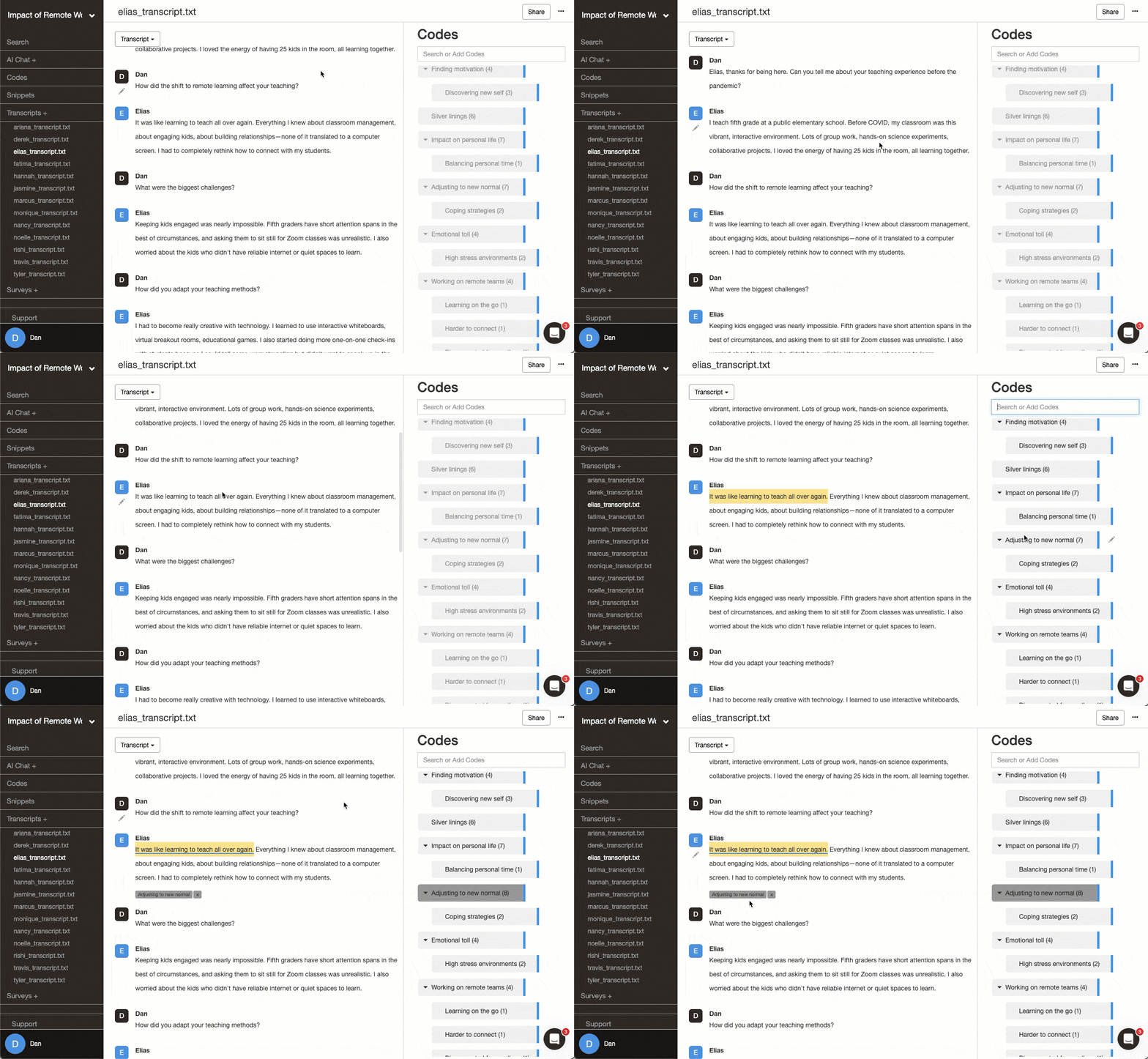
Source: Intuitive qualitative coding in Delve
Our learning curve comparison tested how long it took to set up the software, import a first transcript, create and apply codes, and find your way around basic features.
- Delve and Taguette lets you start coding in about 30 minutes.
- NVivo and ATLAS.ti will take 3-7 days to feel comfortable with basic coding.
- MAXQDA sits in the middle around 2-4 days.
Main takeaway: Don’t underestimate setup time in your project planning. What feels like a small delay upfront can eat into your research timeline and result in underdeveloped final results.
Collaboration: File sharing versus real-time coding
If you’re coding solo, collaboration features won’t matter much. But to work with a team, a dissertation committee, or a peer debriefer, you want it as simple as possible. Easy to add or remove users, code data together (from anywhere) in real time, and without needing pricey add-ons or extra licenses. Tools like NVivo and MAXQDA add extra fees.
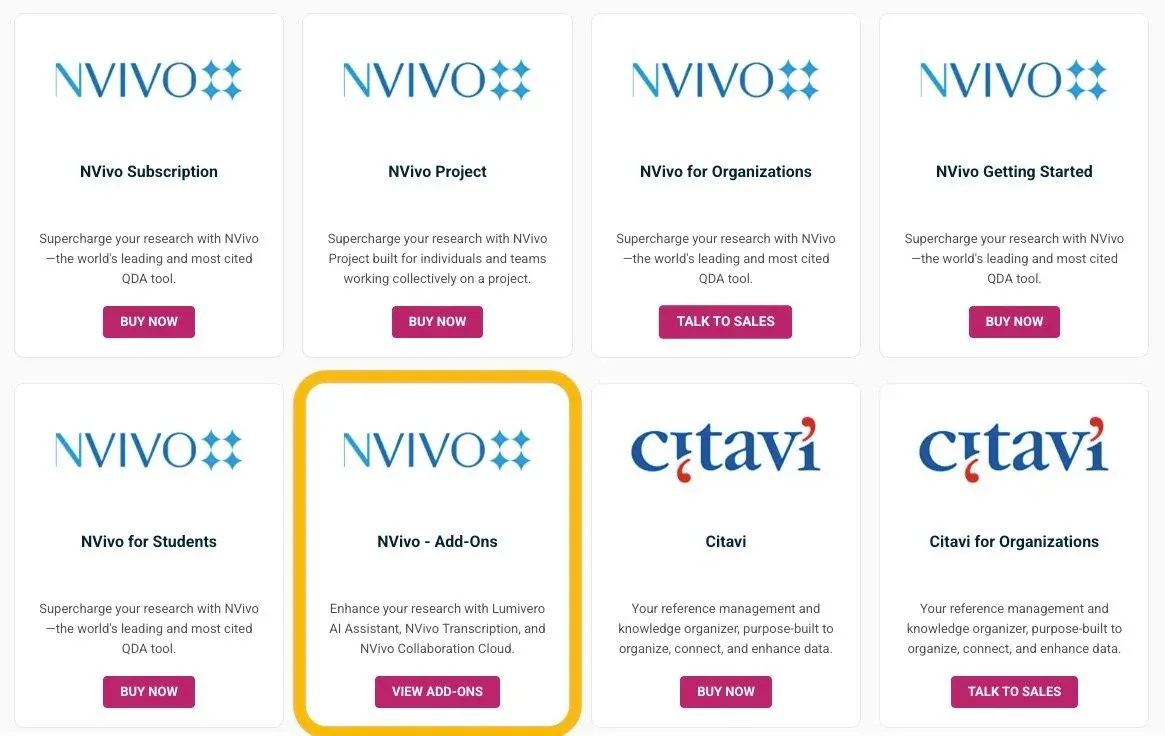
Source: NVivo collaboration add-on
Our collaboration comparison tested whether teamwork felt built-in or bolted on after. The big takeaway was that desktop applications tend to require downloading, editing, and merging files. Web-based platforms leave less room for error and let everyone work in real-time.
- Delve handles team coding the way Google Docs handles collaborative writing. Multiple researchers code simultaneously, see each other’s work, and compare coding decisions with built-in intercoder reliability calculations.
- Desktop tools like NVivo, ATLAS.ti, and MAXQDA require coordinating file versions or purchasing expensive collaboration add-ons that still feel clunky.
Main takeaway: Web-based options stripped out a lot of the file sharing and version control headaches that slowed us down with desktop tools. Some offer desktop and web but that caused its own set of issues.
Customer support: Waiting days versus getting unstuck
Technical problems happen. You can’t access your project. A team member’s account isn’t working. You need to understand how a specific feature works. How quickly you get help determines whether these become minor hiccups or research-stalling delays.
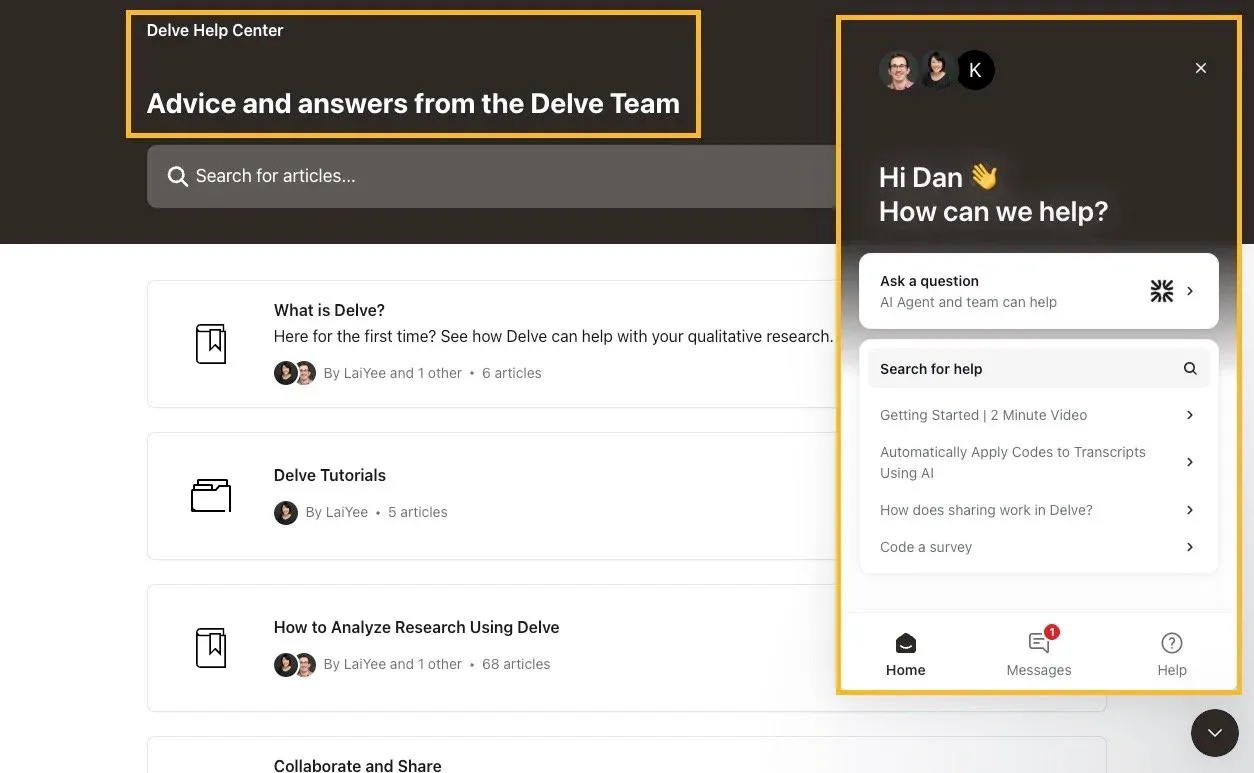
Source: Delve help center and support team
Our support comparison revealed dramatic differences in response times and helpfulness.
- Delve offers immediate AI-powered chat support with human escalation available 24/7. Users consistently praise the “fast responses” and report getting “unstuck immediately.”
- NVivo and Dedoose users report multi-day response times through ticket systems.
- ATLAS.ti and MAXQDA provide business-hours support that works well if your timeline can wait. Taguette, as free open-source software, offers community forums with volunteer support on a 2-7 day timeline.
Main takeaway: Good support gave us confidence to try features and troubleshoot problems. Poor support made us avoid anything that might cause issues.
AI features: Genuine help versus added training
AI-assisted coding has become common in QDA software. Done well, it handles repetitive tasks and spots patterns you might miss – like a research assistant. Done poorly, it adds another wrinkle to the learning curve.
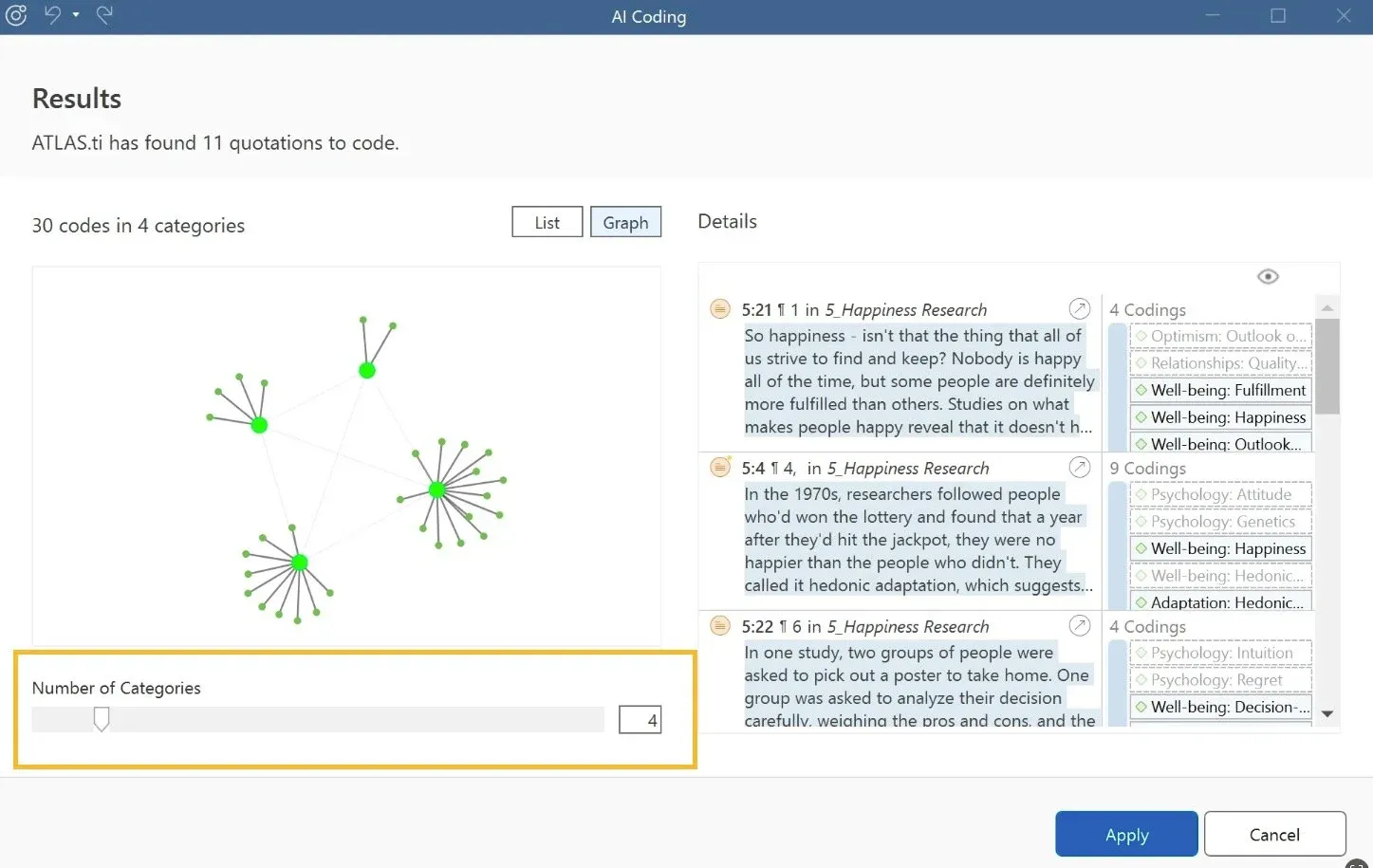
Source: ATLAS.ti AI coding feature
Our AI comparison tested which platforms use AI to complement our own human analysis versus trying to automate it away.
- Delve’s AI features suggest codes based on your existing work, help organize codes into hierarchies, and find relevant quotes across transcripts. The AI learns from your coding decisions rather than imposing external frameworks.
- NVivo and ATLAS.ti (pictured) offer more complex AI capabilities but require substantial training to use with confidence. There’s also the risk of relegating too much decision-making.
If you’re learning thematic analysis or grounded theory, simple AI that supports rather than directs the process helps build skills. You want it to save time on mechanical tasks, not do 90% of the work for you (like ATLAS offers).
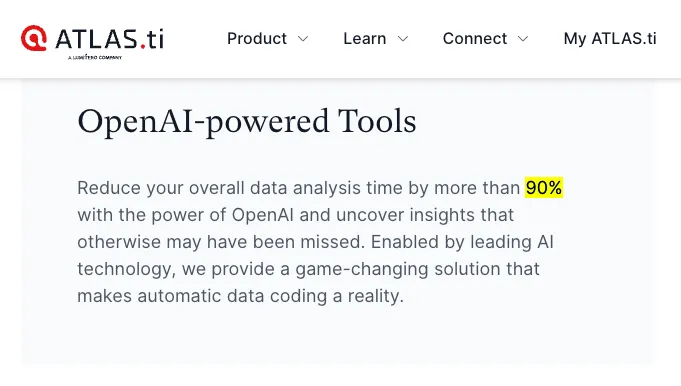
Main takeaway: The best AI features sped up repetitive work without making us question our analytical decisions. The complex AI tools ate up a lot of time, focus, and attention.
Teaching applications: Training students or troubleshooting software
If you’re teaching qualitative methods, you already have enough on your plate. You need qualitative software that students can start coding with in the first class, setup without a hours of troubleshooting, access without budget barriers, and that lets you review student work without collecting dozens of individual files.
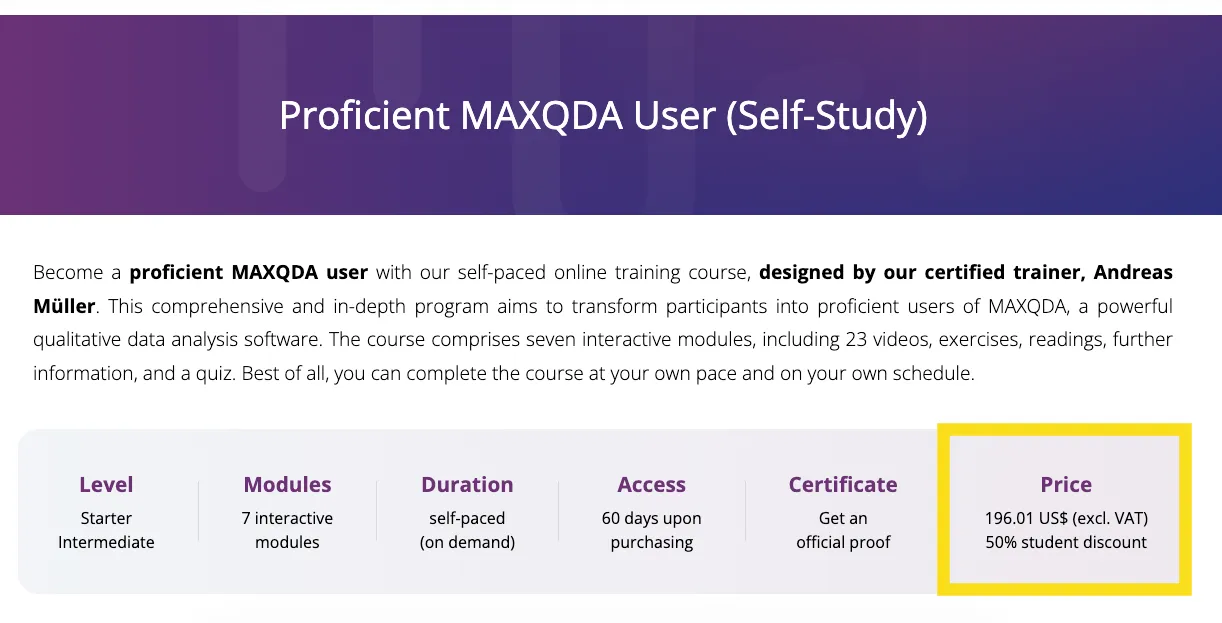
Source: MAXQDA courses for students
Our teaching comparison examined which platforms work in actual classroom settings.
- Delve, the web-based platform has no installation issues, no computer lab requirements, and instant access to all student projects for review. Students can code collaboratively in real-time and use the coding comparison feature to learn from each other’s analytical decisions.
- The more complex tools (NVivo, MAXQDA, ATLAS.ti) offer paid training courses and certification programs that students can use outside of class to learn the software.
- Taguette is completely free and can help cover basic coding. For some courses, that’s all you need or can afford.
Main takeaway: For anyone teaching others, think about the administrative overhead. Software that requires IT support, multiple licenses, or complex setup takes time away from teaching analysis skills.
Quick summary of all seven qualitative coding tools
We’ve looked at learning curves, collaboration, and some of the major differences between these platforms.

Here’s how they measure up overall:
- Delve - Web-based platform built for team coding. Works well for most research projects from dissertation interviews to survey analysis. Users describe it as “extremely easy to use.”
- NVivo - Industry standard with comprehensive features. Requires substantial training investment. NVivo documentation provides extensive resources for advanced features. Best bet for funded research with dedicated software time.
- ATLAS.ti - Powerful capabilities across desktop and web versions. Split between platforms creates workflow decisions. Strong features once you learn the system. ATLAS.ti support offers 24/5 assistance. Good for experienced researchers.
- MAXQDA - Balanced feature set for mixed-methods work. Desktop installation with TeamCloud add-on. Moderate learning curve between simple and complex tools. Offers multilingual options.
- Dedoose - Mixed-methods focus with quantitative integration. Browser-based with spreadsheet-like interface. Intercoder reliability calculations built in. Best for research combining qualitative and quantitative data.
- Quirkos - Visual bubble interface for coding. Intuitive for some learners, confusing for others. Quirkos learning resources provide quick orientation. Limited to text documents. Works for simple projects with a visual approach.
- Taguette - Free and open-source option. Minimal features for basic coding. Web-based with no cost barriers. Good for learning fundamentals or zero-budget projects.
Decision tree: Matching qualitative tools to needs
So which tool actually fits your project? Let’s look at some common research situations:

“I’m a grad student with a 6-month timeline and limited budget”
Start with Delve or Taguette. Both let you begin coding immediately without installation hassles. Save complex features for later if your research demands them. Student pricing lowers budget barriers.
“I’m managing a funded 3-year project with multimedia data”
NVivo or ATLAS.ti handle large datasets and multiple data types. The learning investment pays off for extended projects. Budget for training time upfront.
“I’m teaching a qualitative methods course”
Delve is fast to learn and easy to teach with. Students can access from any device without installation. Check our teaching comparison for detailed requirements.
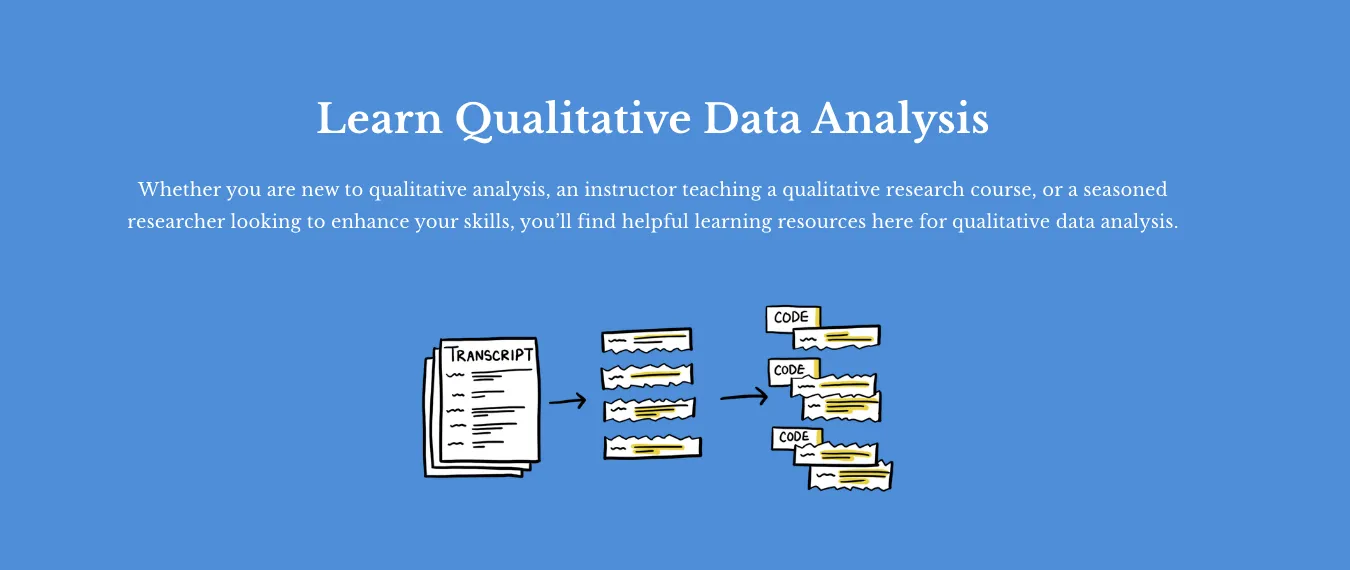
Source: Delve Free Learning Center
“I need to coordinate coding across multiple researchers”
Real-time collaboration (Delve) eliminates file version problems. Desktop tools (MAXQDA, ATLAS.ti) require more coordination. See our collaboration comparison for team workflows.
“I’m analyzing both interview data and survey responses”
Delve handles both interview transcripts and survey responses with the same nested coding approach. For mixed-methods projects that need quantitative tools alongside qualitative analysis, Dedoose or MAXQDA might be best.
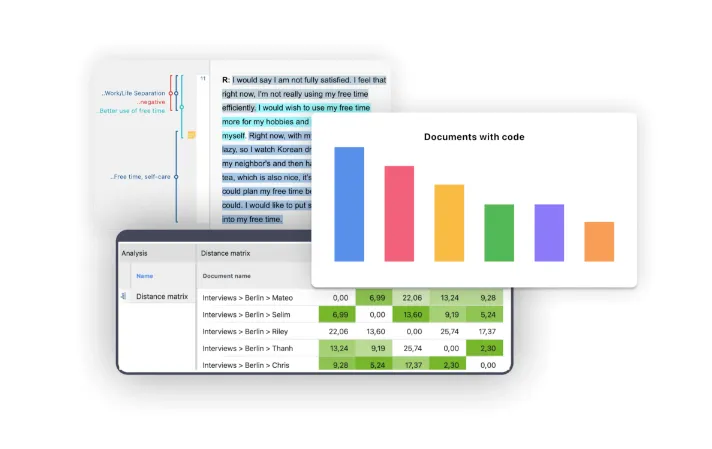
Source: MAXQDA mixed methods tools
“I’m doing thematic analysis”
For thematic analysis, you want software that makes it easy to move codes around and test theme structures. Our thematic analysis comparison shows which tools support that kind of flexible thinking.
Start coding today, not next week
If you’re on deadlines, working in teams, or learning qualitative methods for the first time, you need tools that reduce friction rather than maximize features.
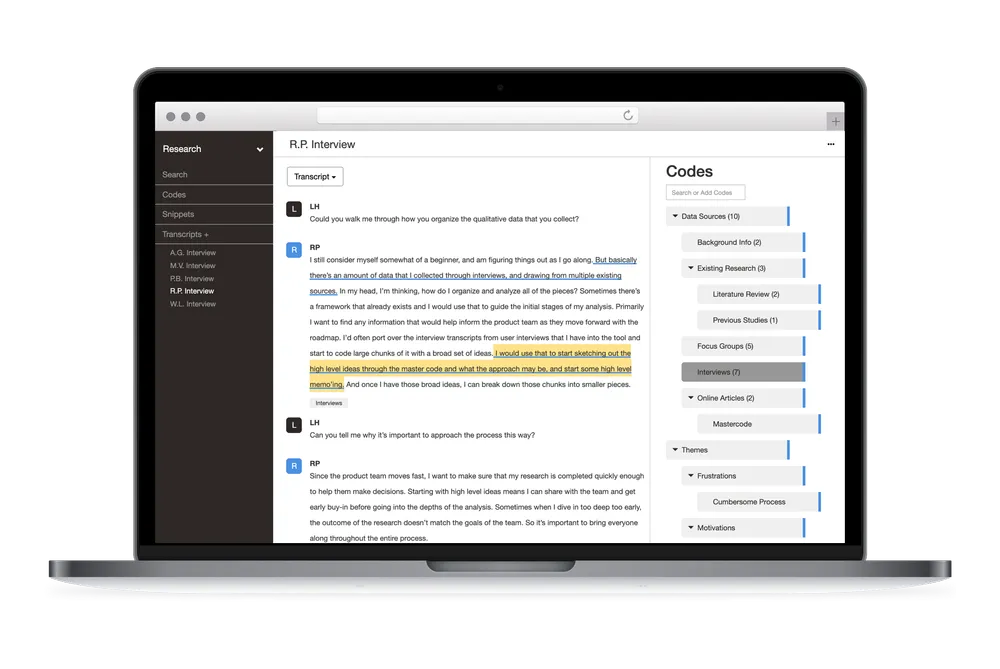
Delve handles the big factors we’ve covered:
- You start coding immediately rather than spending days on training
- Teams collaborate in real-time without file coordination headaches
- You get help within minutes when technical issues arise
- AI features enhance your work without adding complexity
- Students and educators access the platform with fewer barriers
That’s why researchers from NYU, UPenn, LSU, and universities worldwide choose Delve.
Try Delve – free for 14 days
There’s a time and place for the powerhouse platforms. If you’re doing long-term funded research that need all the bells and whistles, projects requiring extensive multimedia analysis, or institutional contexts where costs aren’t an issue, consider NVivo, ATLAS.ti, or MAXQDA.
For students and new researchers who are coding interviews, analyzing surveys, or working with research teams, Delve produces rigorous results in less time. Check out why real users trust (and love) Delve.
Want to start today? Try Delve free for 14 days. No installation, no learning curve, get right to work.
Next steps for better qualitative research
The best software gets out of your way so you can focus on finding patterns and building insights from your transcripts and other qualitative data.
Compare tools on specific factors:
- Which QDA software is easiest to learn?
- Which QDA tool makes team coding easiest?
- Which QDA software support actually helps?
- AI features in QDA software: What actually works?
- Best QDA software for teaching qualitative research
- Comparing software for thematic analysis
Learn qualitative coding fundamentals: