This is part of our Ultimate Guide to Comparing Qualitative Software | Delve for Classrooms | Take Our Free Online Qualitative Data Analysis Course | Start a Free Trial of Delve
You have a few weeks to teach qualitative methodology. You want your students to get hands-on experience with analysis. But when qualitative software takes days of training and setup, they get less hands-on experience with the data and research process. The right tool gets out of the way so you can focus on what you’re there to teach.
We tested seven qualitative data analysis platforms already being used in classrooms to see how they handle the practical realities of teaching methodology courses.
What students need from qualitative data analysis software
Your qualitative software choice shapes the learning journey for your students. When setup takes multiple class sessions, your students aren’t learning data analysis.
What matters in the classroom:
- Can students start coding in the first class session, or does project setup take days?
- Can you review work instantly, or does feedback require downloading and merging files?
- Can everyone access the tool, or are there budget and installation barriers?
These factors, along with timely customer support for help with setup, payment, and access issues, determine how much hands-on experience students get with the actual data.
Comparing classroom software experiences
We set up accounts with multiple tools, imported sample transcripts, and tested whether students could realistically code their first data in week one. Here’s what we found.
NVivo: Not for single semester courses
NVivo takes days before students can start coding. Some of NVivo’s Platinum Certified Trainers have worked with the platform for over 20 years, which is a great resource for you. But the course takes six months. The timeline speaks to the complexity, and the unlikeliness of students coding in week one. NVivo academy offers paid training resources.
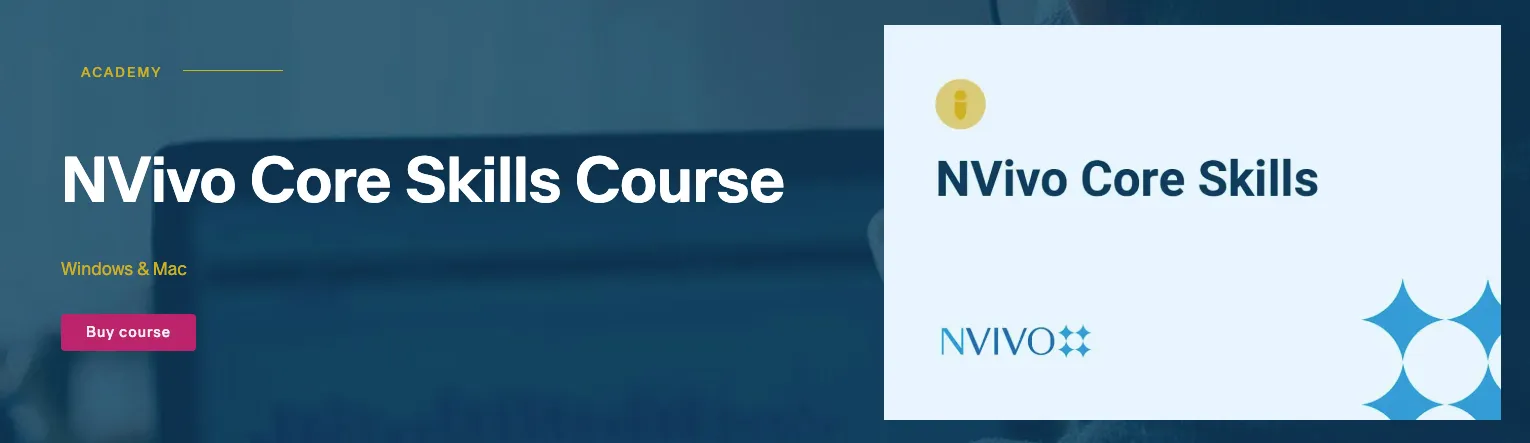 Source: NVivo Academy
Reviewing student work means downloading files and managing versions. We tested Collaboration Cloud for real-time access and found projects produced quite a few corrupt files that never opened.
At $600 for full features or $110/year for limited web access, cost is an issue. Collaboration Cloud is one of many extra add-ons that add onto that total. Students also end up on different versions of NVivo with different features and tools that don’t cooperate.
For teaching:
- Ready to code first class: No. A few days needed for installation and learning the ropes.
- Review workflow: File sharing means managing versions. Cloud also has reliability issues.
- Student access: Expensive — $110/year limited web, $599+ full desktop (without add-ons)
Best for: Well-funded graduate programs with dedicated software training time and existing site licenses.
What educators & students say:
An assistant professor: “We couldn’t even get to coding properly because any time I would upload the project to the cloud it would work for about a day and then somehow get corrupted..”
Another assistant professor: “There was more of a learning curve than there needed to be and it was about $600… not getting much nor much customer support for that price.”
A third educator added: “There are supposedly a ton of functions that allow you to organize the data, yet, even with doing the online, it still felt difficult to me.”
ATLAS.ti: Expect days of training
Desktop setup and intro take a few sessions before coding starts. Like NVivo, ATLAS.ti offers teaching certifications for instructors but they require a sample project, course syllabus, and 20-minute oral exam. They also offer face-to-face training for around $100 and offer free training resources.
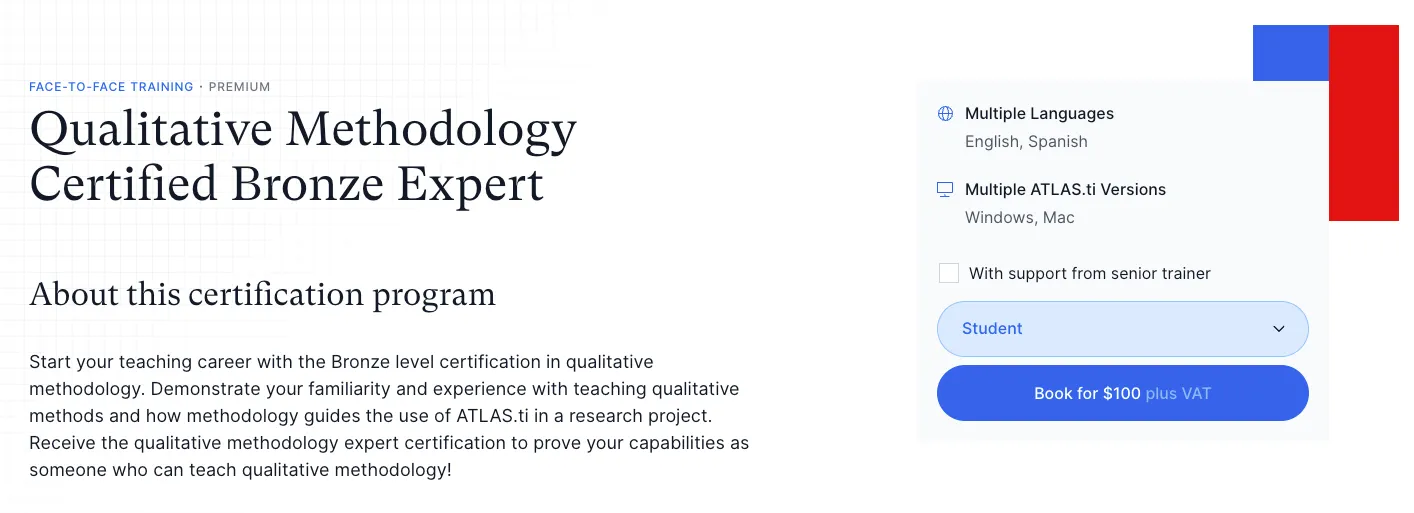 Source: ATLAS.ti
Reviewing student work with the desktop version means coordinating file exports and imports. You’re managing file exports and hoping students sent the right version instead of seeing progress in real-time.
$120/year for desktop. The web version is $10/month but then you’re managing work on two platforms.
For teaching:
- Ready to code first class: No. Installation and substantial orientation needed.
- Review workflow: Desktop requires file sharing. Web has performance problems.
- Student access: $10/month web-only or $120/year full access. Licenses expire after two years.
Best for: Graduate programs where students will use the tool for extended projects. Institutions with existing ATLAS.ti site licenses.
What educators & students say:
A student comparing versions: “Desktop version is good… Just do not use the web version. Web version works too slowly and errors occur when encoding PDF files.”
A research assistant: “It would be great to be able to select multiple files/codes/other entities at the same time… these things may seem minor but reduce the intuitiveness of the software.”
MAXQDA: Slow review workflow
MAXQDA is easier to pick up than NVivo but still hard to use. For instructors, MAXQDA runs an intensive Professional Trainer Program. For students, there’s a paid self-directed Proficient MAXQDA User course to help learn the ropes outside of class for around $200 — or just under $100 with student discount.
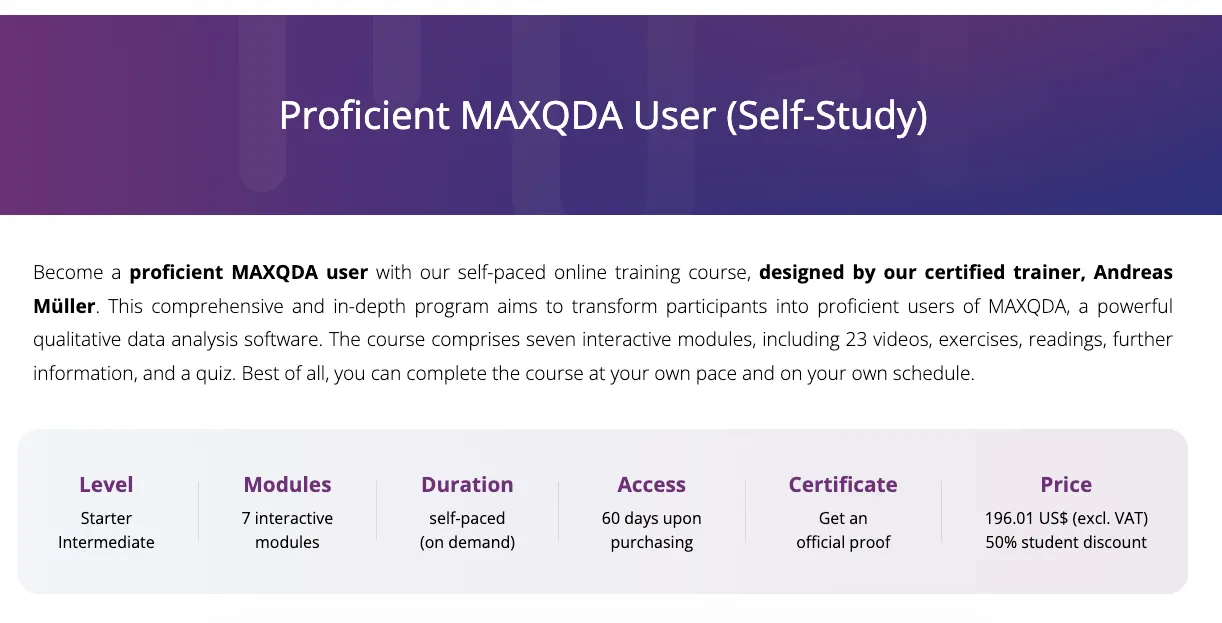 Source: MAXQDA
File exports, imports, and merges turned into their own job. Impractical for 10, 15, 20+ students. There’s a TeamCloud add-on, but it’s desktop-based and unavailable for student licenses.
Desktop-only at ~$160-180 annually installed on lab computers or personal machines. Different devices requires another license, limiting where students can work. They offer free course licenses up to 120 days.
For teaching:
- Ready to code first class: No. The interface takes time to learn and installation is clunky.
- Review workflow: File-based sharing. Merging team coding its own job.
- Student access: ~$80-90 for 6 months, ~$160-180 annually. Computer installation required
Best for: Students who have time to learn software and educators with a strong grasp of the software.
What educators & students say:
An assistant professor: “I found it a bit confusing to use the software to organize the data once all of the data is coded. The functionality is great, but the usability still needs to improve.”
An IT service engineer testing collaboration: “Collaboration with the tool is precarious. It is not available for Linux, nor does it have a web version, only Desktop for Windows.”
Delve: Web-based and classroom-ready
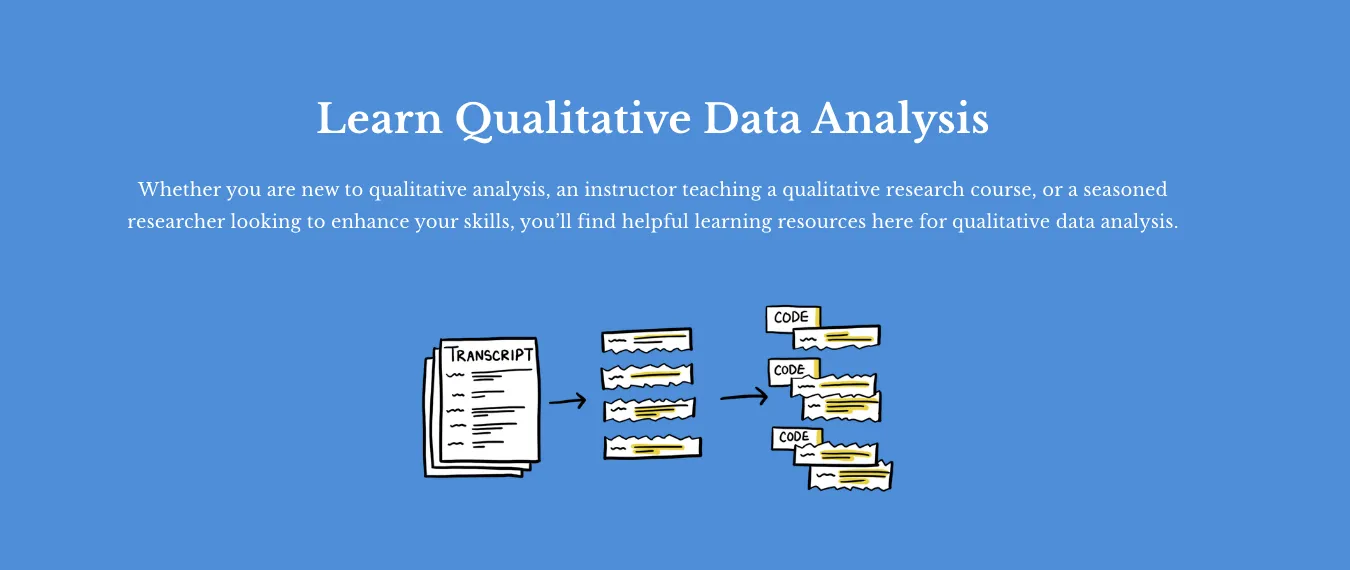
Delve is so easy that students start coding in the first class. Drag transcripts, highlight text, and create codes. Being web-based means no installs, lab booking, or file chaos. The training resources are practical, accessible, and free.
 Source: Delve Learning Center
Students can share projects with you instantly, and you see them in one list. Click into any project to review progress, see their codes, and check work. No downloading files or version management. For group work, students share work and see who coded what with tools like the side-by-side comparison feature.
A benefit of Delve is the free online course, learning center, and video tutorials. These resources cover thematic analysis, grounded theory, coding, demonstrated on Delve. Students can also work together on group projects, in-person or remotely. At $18/month - $200/year, students only pay for months they need.
For teaching:
- Ready to code first class: Yes. Students start analyzing in the first session.
- Review workflow: Instant. Students can instantly share projects with you.
- Student access: 14-day free trial. Student pricing $18/month - $200/year. No contract.
Best for: Methodology courses at any level. “The education pricing is so inexpensive that Delve would be highly appropriate for students just learning how to code.”

Anthony S., PhD Student: After reviewing NVivo, Quirkos, Dedoose, and MAXQDA, “Delve seemed the most straightforward and intuitive. Customer service was outstanding.”
Andy M., Assistant Professor: “I recently gave a presentation to a group of professors that regularly do qualitative research, and they all agreed that Delve looks like a great platform that will help them in the future!”
Renate U., MSc Student Psychology: “Instruction videos were wonderful (even better than my professor).”
Quirkos: Unorthodox code development
Quirkos uses a unique bubble interface instead of a visual tree with drag and drop options. It might work for visual learners and offers free training resources but didn’t make the core coding or theme-building processes any easier. Other issues: you can’t batch upload transcripts, the educator slide show is outdated, and the cloud license is extra.
 Source: Quirkos
Collaborating on the desktop version means you need to constantly import and export files to share. Quirkos Cloud runs $60/year for web collaboration, but it has the same version management problems as with other tools. You’ll spend time coordinate files instead of reviewing progress.
Desktop runs $69-110 per student for lifetime access (1-2 computers). Cloud is $60/year extra for web features. A researcher found it crashes on long documents and wasn’t enough for qualitative research.
For teaching:
- Ready to code first class: Partially. Bubble coding can be confusing with a lot of data
- Review workflow: Cloud collaboration exists but lacks flexibility of web-first platforms.
- Student access: Affordable at $60/year cloud subscription. Easy to set up.
Best for: Smaller courses working with small datasets and fewer codes.
What educators & students say:
The professor quoted above added: “I need more than a quick start. I had a few problems with how to do certain things, and unfortunately didn’t figure out how to do them before the trial ended.”
One reviewer on Mac compatibility: “Issues using the drag feature” required frequent restarts during analysis sessions.
Another educator: Had difficulty combining data points and then separating them when needed.
Taguette: Free to use and basic
Taguette is completely free and open-source. Customer support is online forums and a GitHub page. You also need to upload each transcript one by one, and it has limited organizational tools to build codes into themes. But it’s free, simple, and students can pick it up fast.
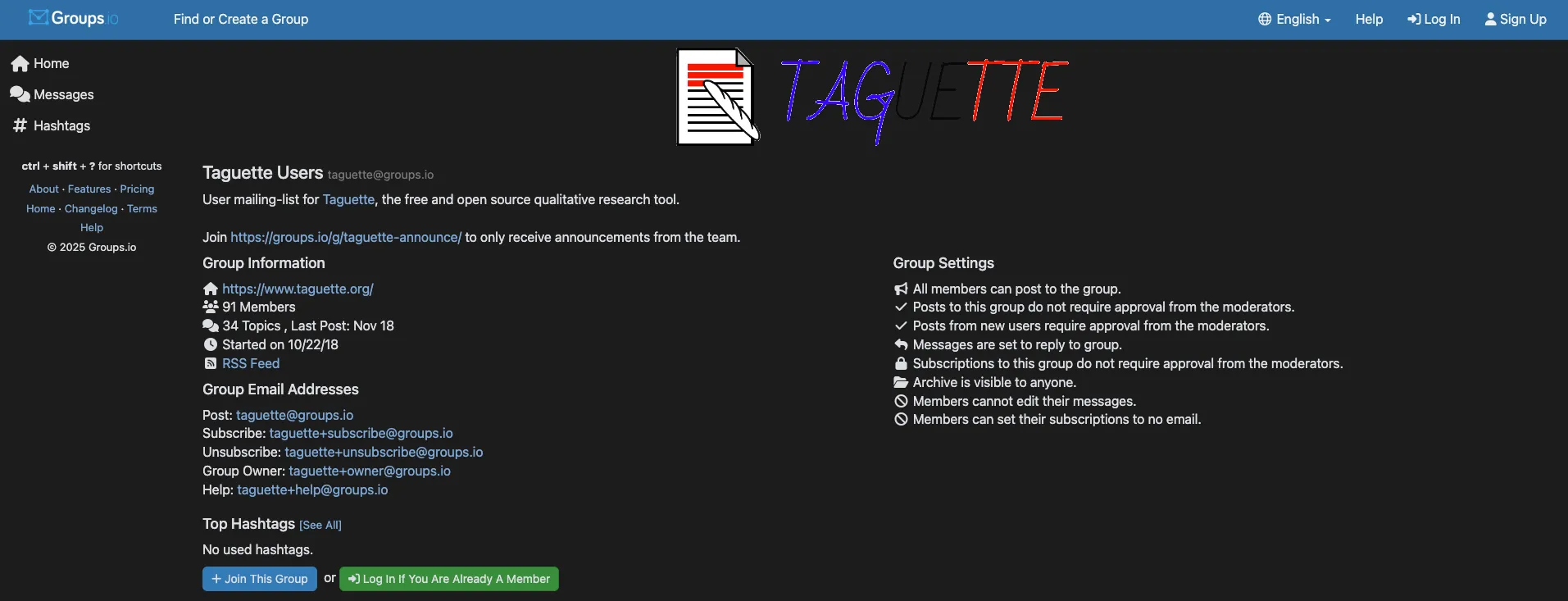
Taguette is web-based so you can code as a class, and check work without downloads. But reviewing is tedious because there’s no visual tree or a functional way to nest codes. You end up clicking through flat code lists and notes trying to assess if students are getting the core categorization process.
Institutions can self-host Taguette on their own servers, giving students access without individual accounts or licensing. The trade off is zero cost for limited features. No nested codes means students can’t organize hierarchical themes easily, which may hinder some qualitative lessons.
For teaching:
- Ready to code first class: Yes. Minimal learning curve, but harder to develop codes, themes.
- Review workflow: Real-time collaboration but tedious review process.
- Student access: Free eliminates all budget barriers. Web-based with no installation.
Best for: Introductory courses teaching coding fundamentals or anyone with zero budget.
Dedoose: For specific lessons
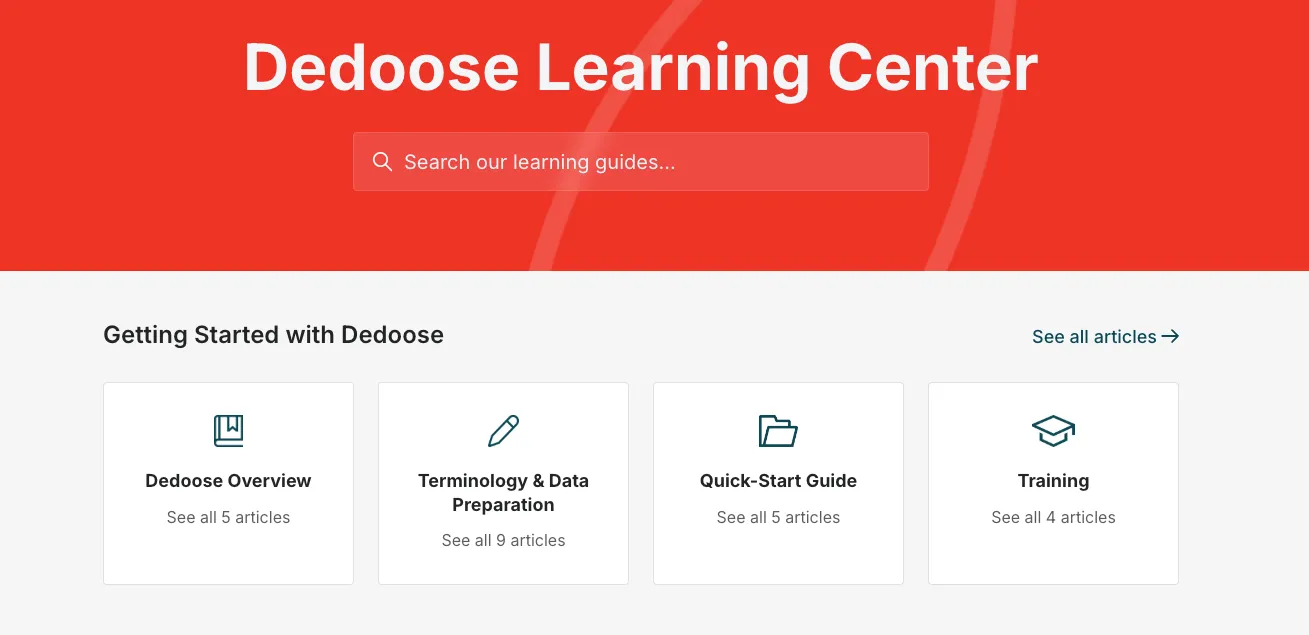
Fast to set up on desktop but slow to learn. Dedoose is designed for mixed-methods research, so if you’re teaching qualitative methods primarily, the quantitative tools can be distracting. But, it does keep the code tree front and center with simple drag and drop coding, so still more intuitive than NVivo, ATLAS.ti. Training resources are free.
Dedoose markets collaboration. You can see student projects and review their coding work. But the system runs slow and the auto-save functionality doesn’t always work, which drags out reviewing.
Desktop download required, but data lives in the cloud. Exceedingly low marks on customer support. Students can download the app on any computer and access their projects — no device limits. Monthly pricing runs $18-22/month.
For teaching:
- Ready to code first class: No. Coding and filtering system takes time to pick up.
- Review workflow: Downloading files and auto-save fails mean lost work.
- Student access: Monthly pricing ($18-22/month) with flexible contracts.
Best for: Shorter mixed-methods workshops or projects rather than full semester courses.
What educators & students say:
A teaching associate liked how Dedoose takes on manual tasks but said the system felt “slow and heavy.”
A research associate found it “very hard to learn how to use.”
One student described the experience of using Dedoose as hard to navigate when “there are a lot of components, features, and things going on with the dashboard.”
Choosing Software That Supports Learning
For most methodology courses, you just need software students can use in the first class session. Web-based tools eliminate installation issues and let you review work instantly. Flexible pricing means every student can participate with no budget barriers.
Classroom decision guide
| Platform | Ready to code first class | Review workflow | Student access |
|---|---|---|---|
| Delve | Yes | Web-based | Flexible monthly subscription |
| NVivo | No | File-based | Desktop license, higher cost |
| ATLAS.ti | No | File-based | Desktop license, separate web |
| MAXQDA | No | File-based | Desktop license, time-limited |
| Quirkos | Partial | File-based | Desktop license, optional cloud |
| Taguette | Yes | Web-based | Free web access |
| Dedoose | Partial | Web-based | Flexible monthly subscription |
Why instructors choose Delve
Students and educators from universities across the country use Delve to remove the friction between learning and doing. Students learn quickly, stay focused, and you can provide quick feedback.
What educators say:
Yvette S., Assistant Professor, School of Education: “Delve is very user-friendly when coding. Additionally, the tutorial videos provide just the right amount of information to explain various research methods in a clear and concise way.”
Sarah K., Professor: “Excellent from beginning to end. Both technical support and course material on qualitative analysis were clear and helpful… I will use Delve again.”
Robin O., Assistant Principal for Curriculum: “I am not a super tech user and was able to watch the support videos and teach myself how to use it. Using Delvetool was very instrumental in completing my analysis for my dissertation.”
Between free course materials and help center, you can embed resources directly into your syllabi, and lessons blend smoothly so students learn Delve without thinking about the underlying technology.
Watch a university professor explain his view
Teach qualitative analysis the easy way
Delve lets you avoid usual classroom issues. No computer lab requirements, no installation bugs, no compatibility problems. Students can work from their laptops during class, and you can pull up projects instantly to review coding decisions together.
No credit card required. Cancel anytime.
Related resources
Teaching with Delve:
- Free accounts for educators teaching 10+ students
- For educators page
- For students page
- Free online course
- Training videos
Feature comparisons:
- Which QDA Software is Easiest to Learn?
- Best QDA Tool for Collaborative Research
- AI Features in QDA Software: What Actually Works
- Which QDA Software Customer Support Actually Helps?
Head-to-head comparisons:
- MAXQDA vs. NVivo vs. Delve
- ATLAS.ti vs. NVivo vs. Delve
- Dedoose vs. NVivo vs. Delve
- NVivo vs. Quirkos vs. Delve
- ATLAS.ti vs. MAXQDA vs. Delve